Transport Module
Managing Your Shipment
How to update and manage an active Booking File in Open Nexus.
6. Managing and Updating Your Shipment Booking File
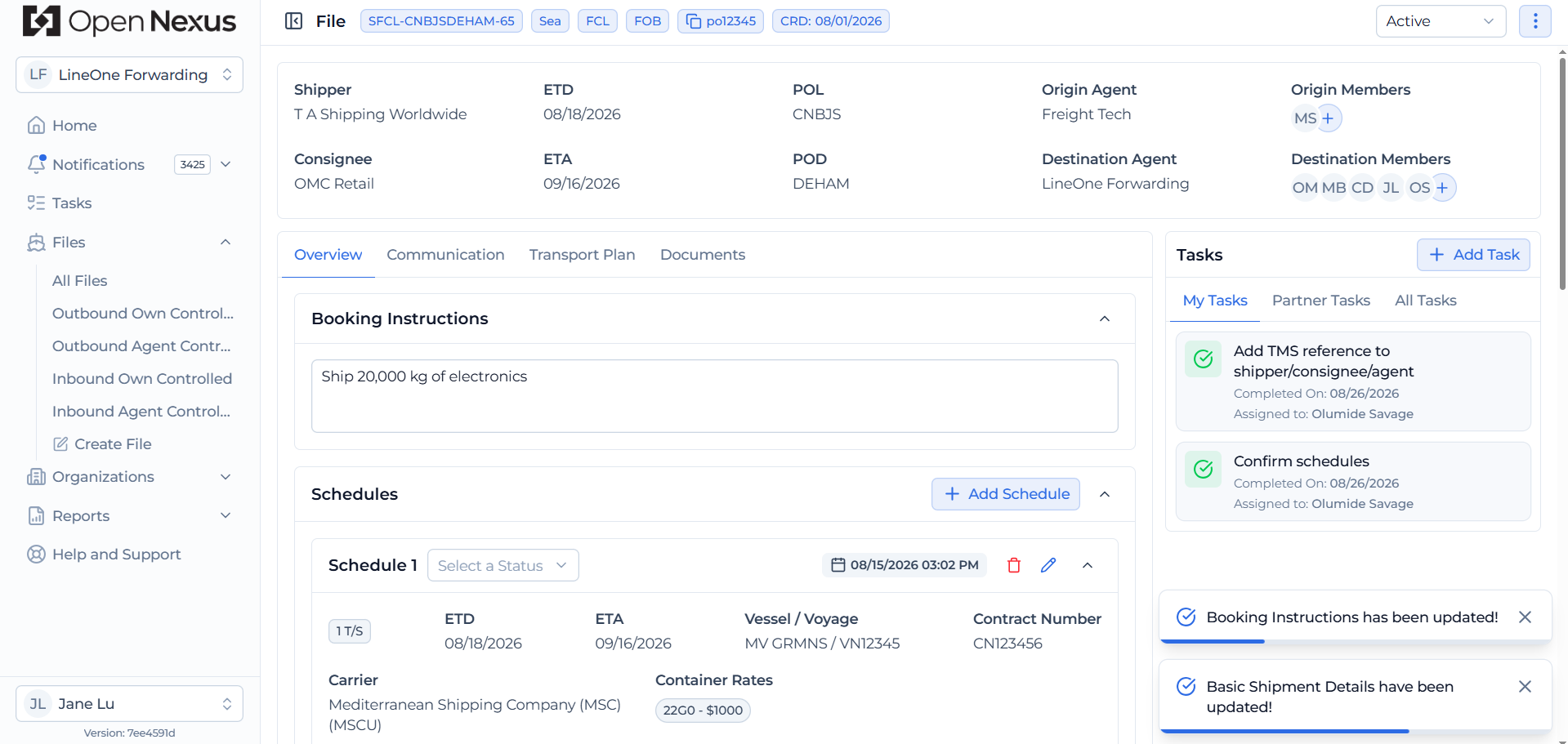
Once your Booking File is created, it becomes a live working document that can be updated as the shipment progresses.
You can update:
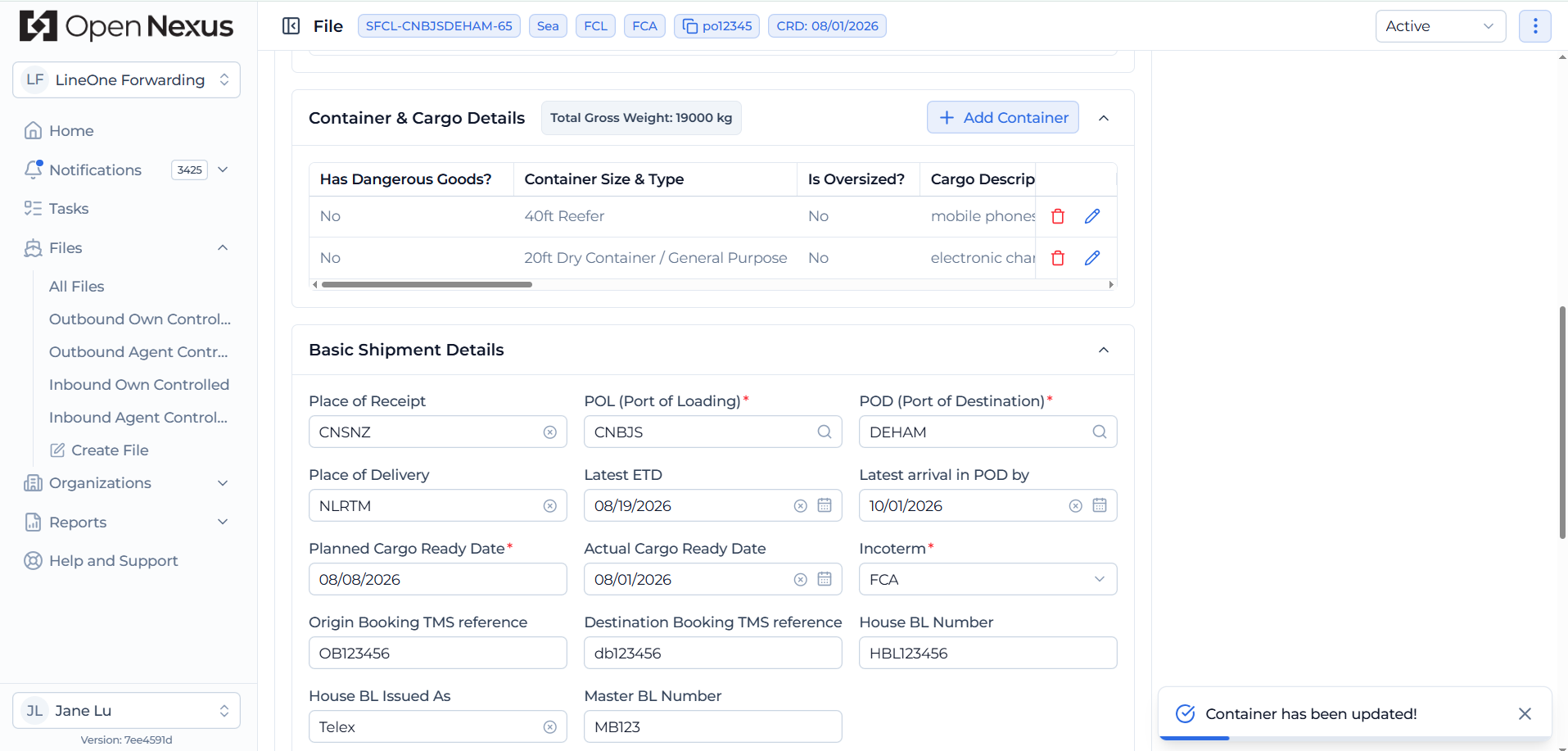
- Basic Shipment Details
- Shipment Parties
- Container Details
- Schedule Details
Updates made to the Booking File are visible to users linked to the shipment, helping both freight forwarding sides work with the latest shipment information.
Hint:
Only the necessary information is captured during file creation. Additional operational fields become available when editing the Booking File, such as HBL and MBL under Basic Shipment Details, Container Number, HS Codes and PO Numbers under Container Details, and Schedule Status under Schedule Details.