

Contact Directory
8. Organization Contact Directory
The Organization Contact Directory is where you find and manage organizations involved in your operations. It is accessed from Organizations on the left-hand navigation.
The directory is divided into Private Directory and Public Directory.
Directory Structure
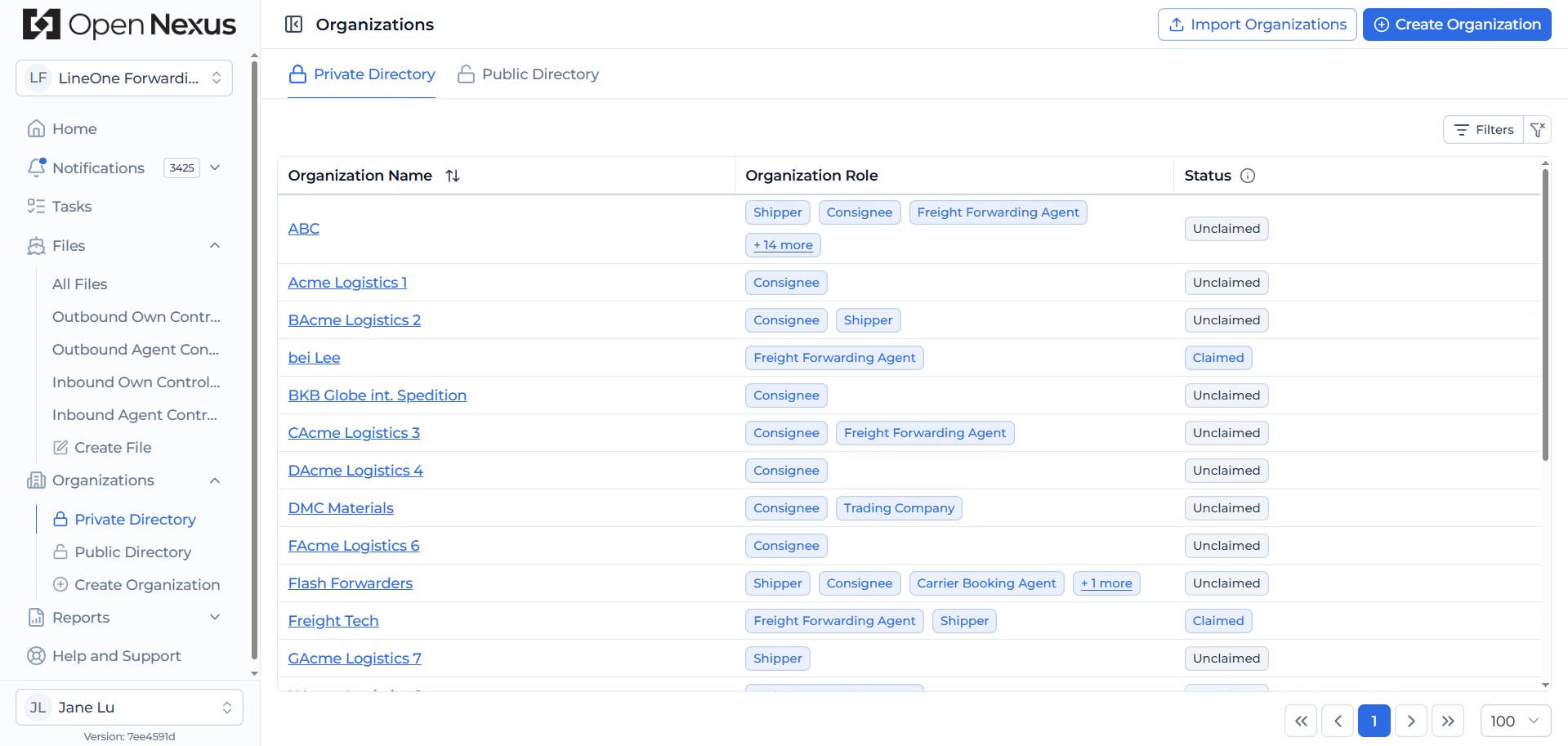
Private Directory
Your Private Directory contains the organizations your organization works with, including:
- Freight Forwarding/Agent Organizations
- Shippers
- Consignees
The table displays the Organization Name, Organization Role, and Status, allowing you to see whether an organization is Claimed or Unclaimed.
Private information you maintain for an organization, such as contacts and TMS references, is only visible within your organization.
Public Directory
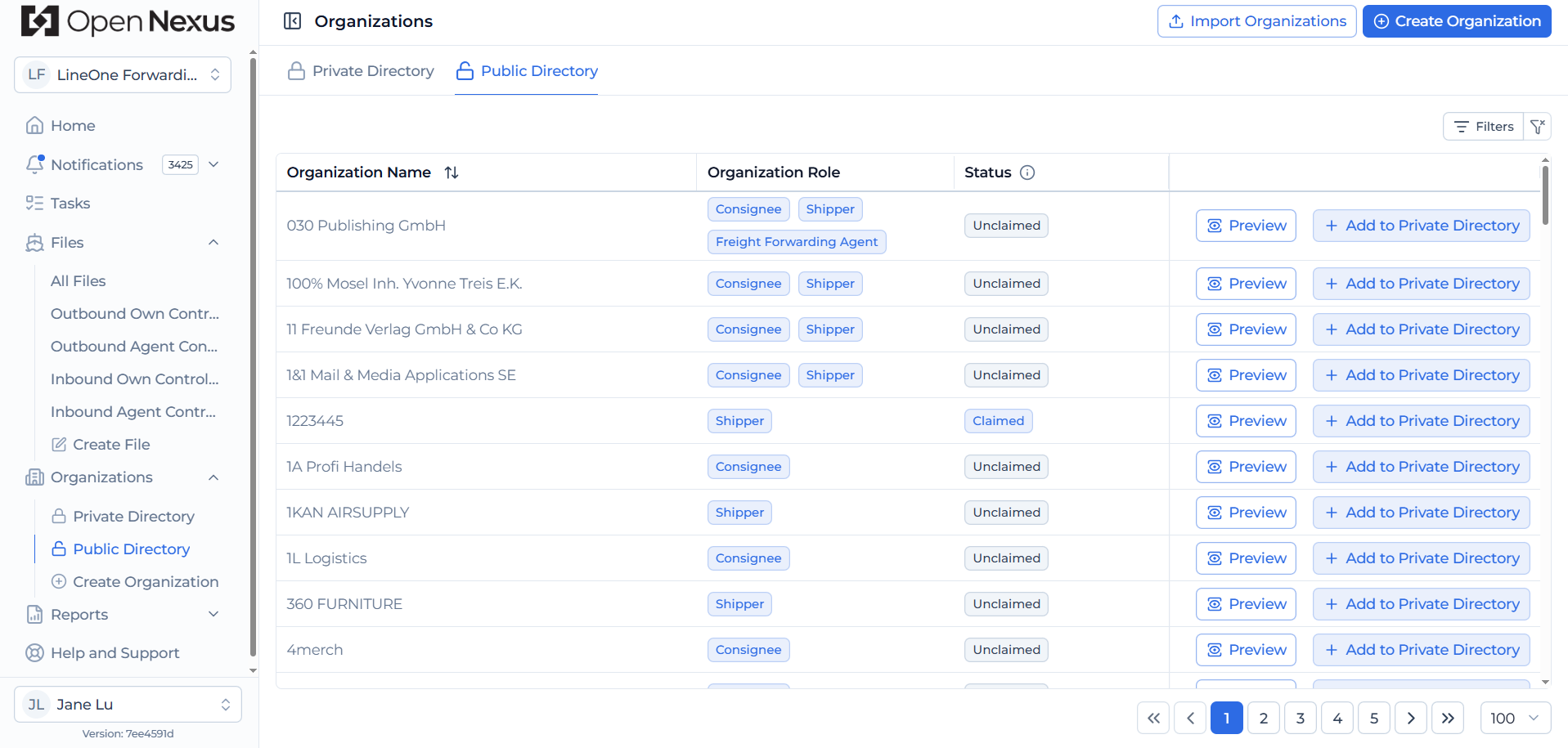
The Public Directory is shared across Open Nexus and contains:
- Claimed organizations – Active organizations created through the Open Nexus sign-up process.
- Unclaimed organizations – Organizations that exist in the directory but are not active Open Nexus tenants/ organizations.
For each organization, you can click Preview to review its available information before adding it to your Private Directory. These are publicly available organization information, such as company details and registered addresses.
Click Add to Private Directory to add an existing organization from the Public Directory to your organization's Private Directory.
If the organization does not already exist, click Create Organization to create a new unclaimed organization and add it to both the Public Directory and your Private Directory.
Important Rules
- Freight Forwarding Organizations:
- Currently must be Claimed tenants.
- Are created through the sign-up process.
- Currently cannot be manually created through the Organization Contact Directory.
- Shippers & Consignees:
- Can be created and managed within your directory.
- About organization data in the Contact Directory:
- Unclaimed organizations: Core organization details (Organization Name, Legal Entity, Address, City, Postal Code, Region/State, Country, Shipping Roles) can be updated by users. Changes to these core organization details are reflected globally in both the Public Directory and Private Directories where the organization is available.
- Claimed organizations: Are managed by an active Open Nexus tenant. Their public organization and location details are locked and maintained by the respective organization's administrator.
- Private data: Contacts and TMS references you add are tenant-bound and visible only within your organization.