Transport Module
Account Management
Creating your account and accessing your organization on Open Nexus.
2. Creating Your Account & Accessing Your Organization
Accessing Open Nexus
You can access Open Nexus using the links below:
- Sign Up: Create an Open Nexus Account
- Log In: Open Nexus Login
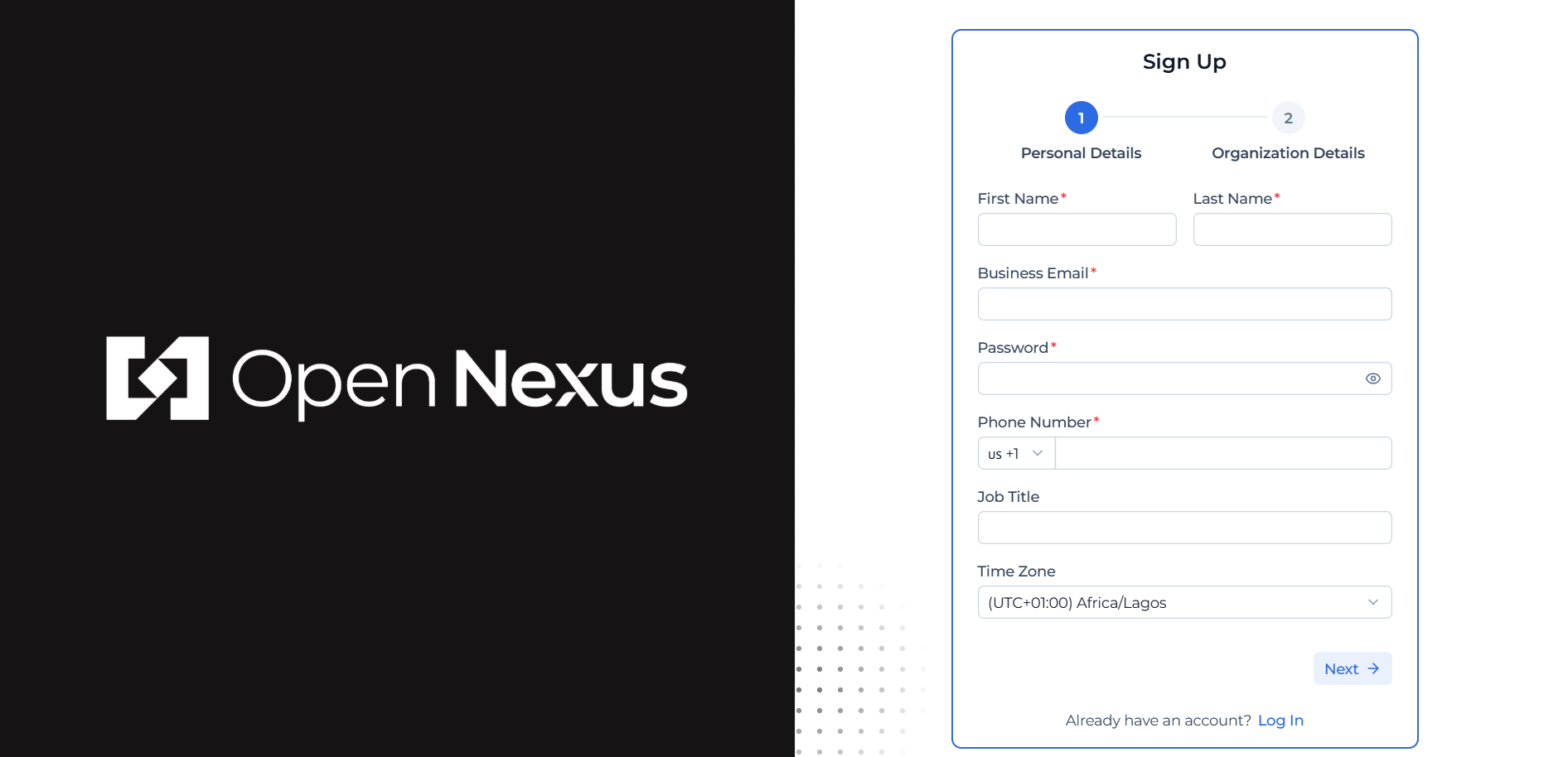
Step 1: Sign Up
When you first arrive:
- Enter your personal details (name, email, password)
Then, depending on how you are joining:
- If you are creating a new organization:
- Enter your organization details (company name, role, etc.)
- Your organization will be created as a claimed tenant
- You will be set up as the Admin
- If you are joining via an invite link:
- You will be shown the existing organization details
- Review and confirm that the information is correct
- Join the organization workspace
Once completed, you will have access to your company workspace on Open Nexus.
Hint:
Freight Forwarding Organizations are created through this sign-up process and cannot be manually created later in the directory.
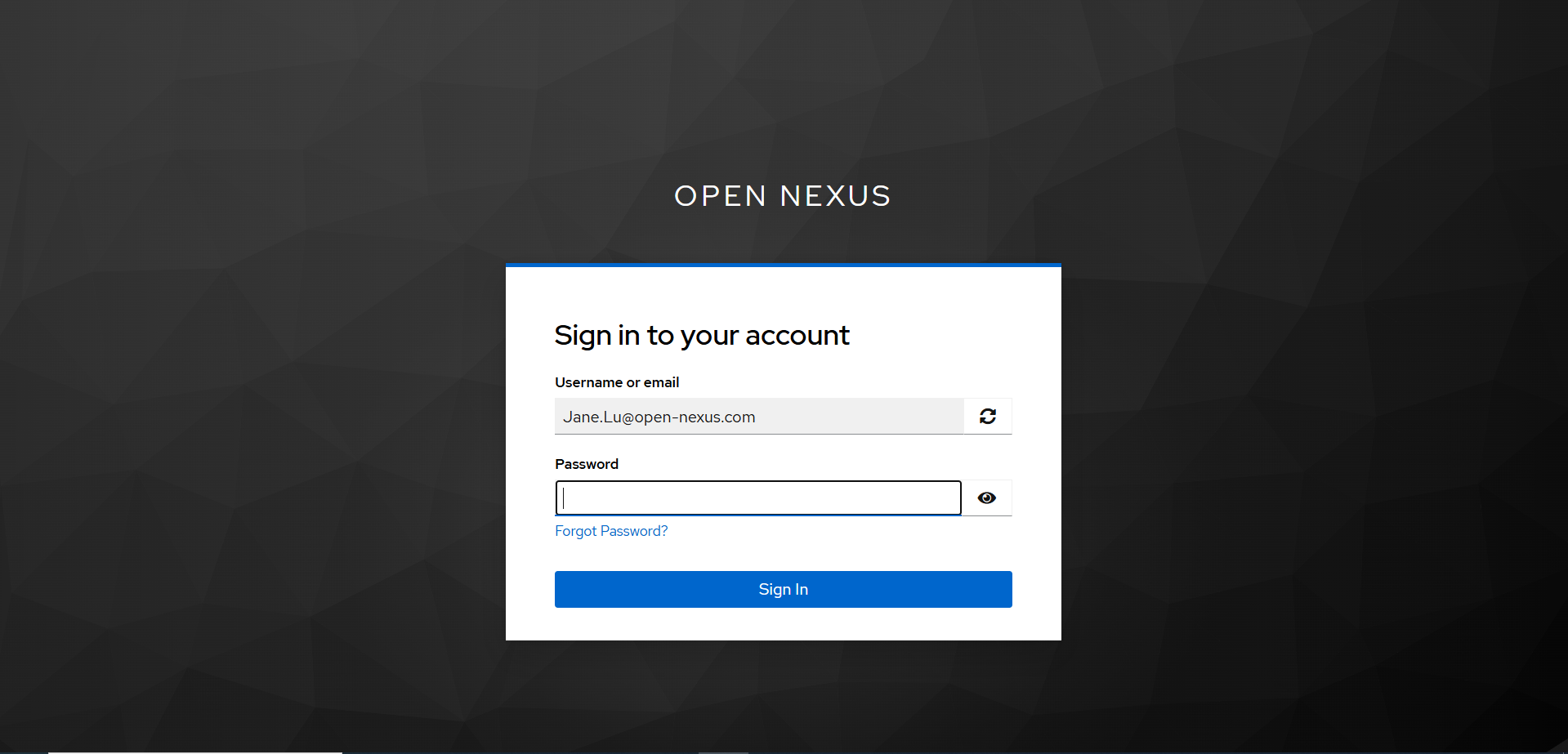
Step 2: Logging In
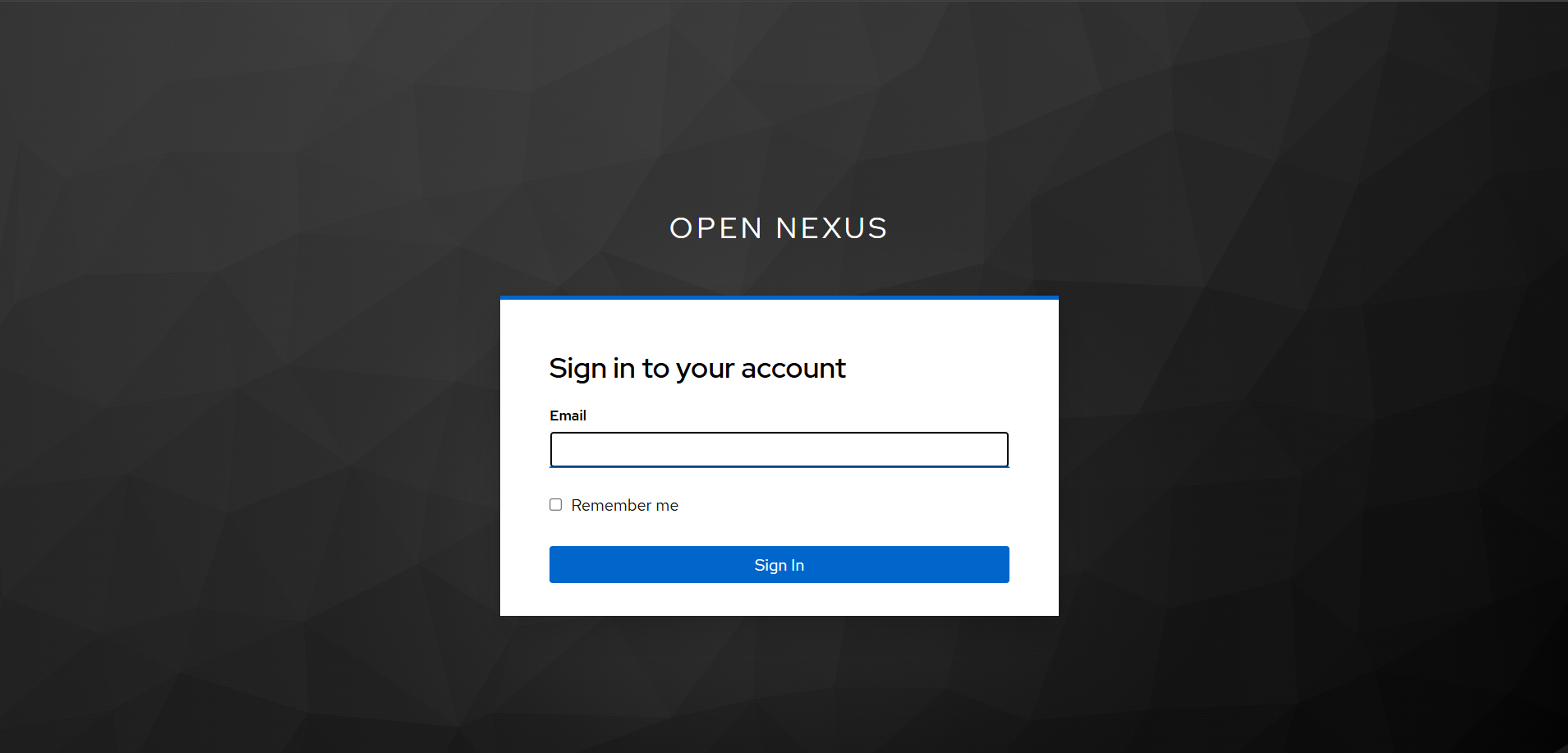
- Enter your email and password
- You will be taken into your organization workspace
Step 3: Invite Members to Your Organization (Admin Only)
As an Organization Admin, you can invite other members of your company to join your organization on Open Nexus.
- Log in to the Open Nexus application:
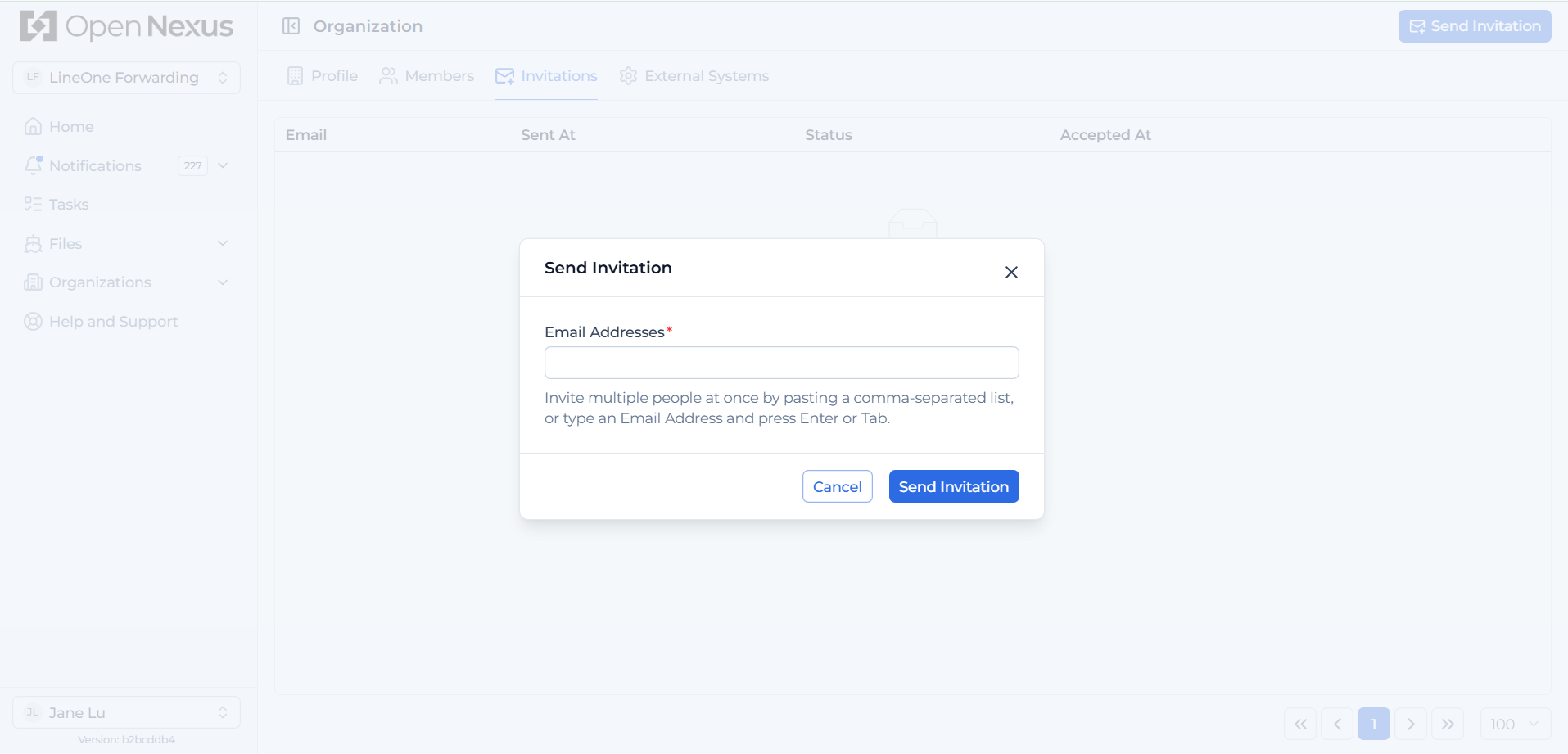
https://app.open-nexus.com/ - Navigate to your profile name in the bottom-left corner, click it, then select Organization and Invitations.
Alternatively, you can open the invitation page directly:
https://app.open-nexus.com/organization/invitations - On the invitation page, click Send Invitation.
- Enter the email address of the person you want to invite.
- You can invite multiple users at once by entering email addresses separated by commas.
- You can also copy and paste a comma-separated list of email addresses into the email field.
- Click Send Invitation again.
- A success notification will confirm that the invitation has been sent.
- The invited user will receive an email containing a sign-up link to join your organization on Open Nexus.
Step 4: Forgot Password
If you have forgotten your password:
- Click Forgot Password on the Log In page.
- Enter the email address associated with your account.
- Open the password reset email and click the reset link provided.
- On the Reset Password page:
- Enter your new password.
- Confirm your new password.
- Optionally select Sign out from other devices to invalidate existing sessions on other devices.
- Click Submit to complete the password reset.
- Log in using your new password.
If you do not receive the reset email, please check your spam or junk folder before contacting support.